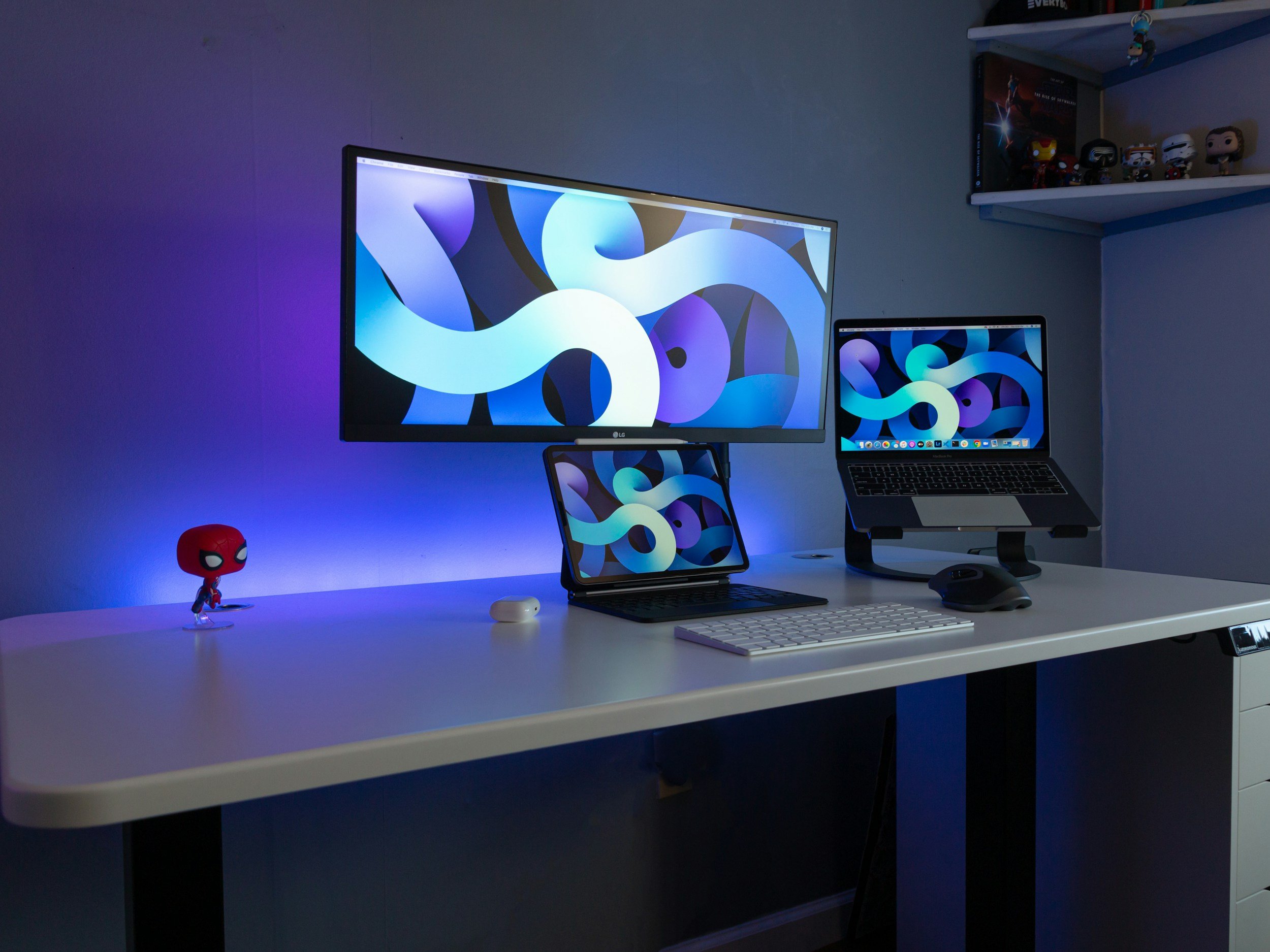
The Dell Ultrasharp 49”: Is it better than dual monitors?
Standard dual monitors create a physical barrier right in the center of your desk. Here is the case for consolidating your entire workflow into a single ultra-wide command center.
The Desk Clutter Problem
Professionals usually try to expand their workspace by buying two standard monitors and placing them side by side. This seems cost-effective until you actually sit down to work.
You are left with a thick plastic bezel exactly where your eyes naturally want to rest. You spend the entire day turning your neck slightly left or slightly right. This constant micro-movement causes physical fatigue and slows down your ability to cross-reference data.
Worse is the cable management. To run two screens, you usually have to buy an expensive third-party docking station, two HDMI cables, and multiple power bricks. Your desk becomes a permanent mess of tangled wires. This creates physical friction every single time you need to plug in and start working.
The Single Canvas Solution
You need to eliminate the bezel and the docking station entirely. The most efficient hardware for this exact problem is the Dell UltraSharp 49 Curved USB-C Hub Monitor.
This is not a gaming monitor. It is a highly specific piece of productivity infrastructure. It gives you 49 inches of continuous, uninterrupted screen space. It is the exact mathematical equivalent of two 27-inch displays seamlessly merged together. You can open a massive financial model on the left, a travel hacking spreadsheet in the center, and your email client on the right, all without a single plastic border breaking your focus.
The KVM Multiplier
This specific Dell model features a built-in KVM switch. This is the single feature that justifies the entire purchase.
Balancing a primary salaried job with a secondary independent contracting business requires ruthless efficiency. You cannot afford to constantly swap out laptops and cables when shifting between your two income streams.
With the Dell UltraSharp, you plug your corporate W2 laptop into one USB-C port and your personal 1099 laptop into another. The monitor allows you to split the massive screen right down the middle. Your day job runs on the left side. Your independent business runs on the right. You can use a single keyboard and a single mouse to seamlessly control both completely separate computers at the exact same time. You just drag your cursor across the screen.
The Power Delivery Simplification
This monitor also acts as its own power grid. The USB-C connection delivers 90 watts of power directly to your laptop.
You can take your heavy laptop chargers and throw them in a drawer. You walk up to your desk, plug in one single cable, and your laptop immediately starts charging while driving the massive display. When you need to leave for a meeting, you unplug that one cable and walk away.
The Financial Breakdown
Spending around $1,300 on a monitor induces hesitation for most buyers. But you have to run the replacement math to see the actual value.
A high-end external docking station costs $300. Two quality 27-inch monitors will easily cost $800. A heavy-duty dual monitor arm costs another $150. You are already spending $1,250 to build a cluttered, compromised setup with a plastic bezel right down the middle.
The Dell consolidates that entire budget into a single piece of hardware. It cleans your physical workspace, protects your neck, and dramatically speeds up your ability to jump between spreadsheets and client emails. It is a straight infrastructure upgrade that pays dividends every single time you sit down to work.